

KEMPER Connect
All KEMPER units at a glance. Clean air, automatically.
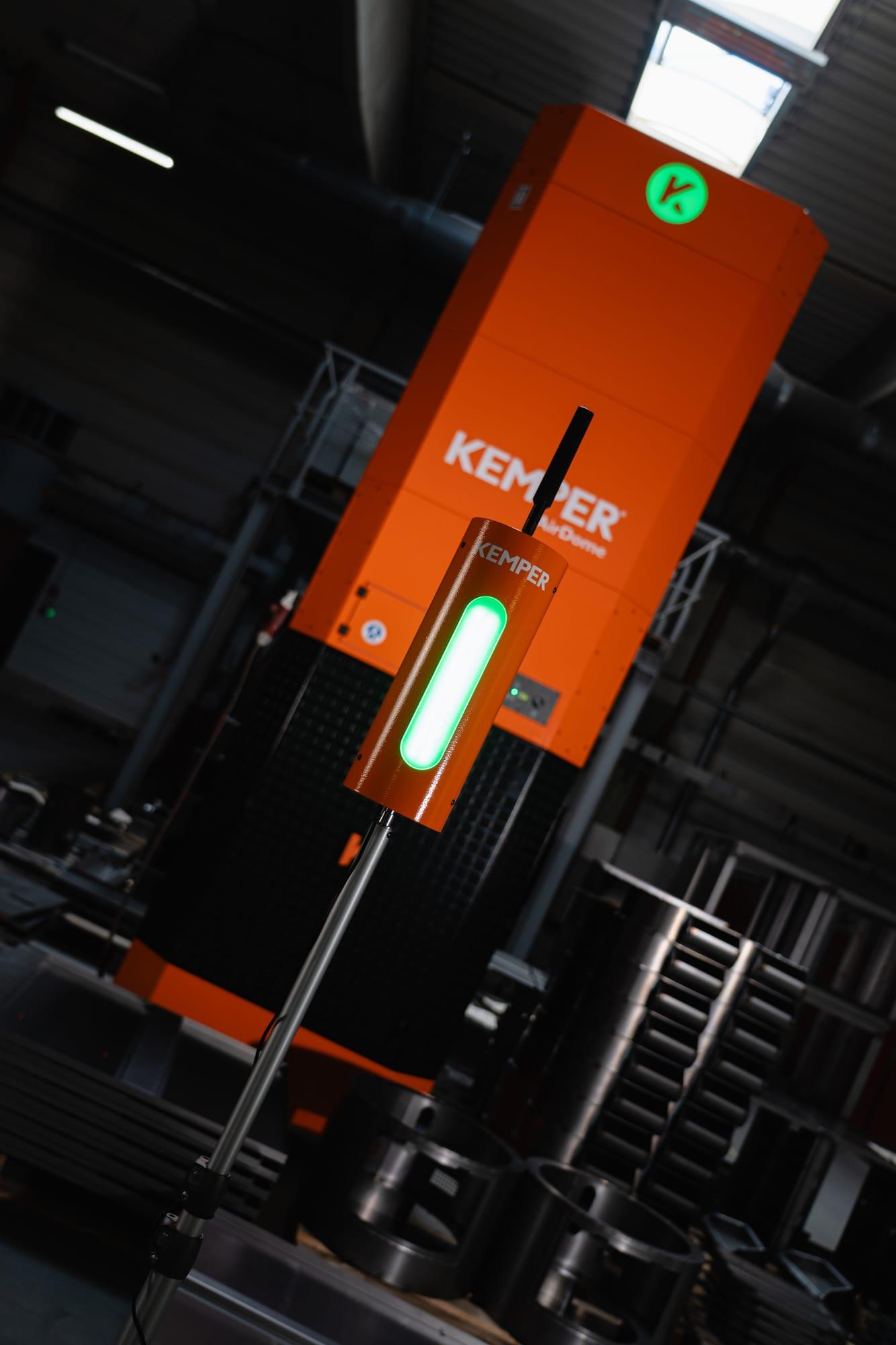
KEMPER Connect is the cloud platform for KEMPER extraction and filter units and KEMPER measurement technology. It shows errors and maintenance needs in time and controls extraction according to the measured air quality.
Five core benefits
What you achieve with KEMPER Connect
Transparency across all units
Is the extraction running? How clean is the air? Which unit needs service? One overview page per site answers these questions in seconds, including several plants in one account.
MonitoringDocumentation for occupational safety and management
Air quality, noise, and indoor climate are rated against recognized reference values (WHO, OSHA/EU, ASR A3.5, the German workplace rule for indoor temperature), with history, statistics, exceedance analysis, and print-ready PDF reports.
Reports and exportsLess energy, less wear
The Rule Engine runs extraction units only as hard as the air currently requires. Schedules switch units off outside working hours or keep a base extraction running.
Rule EnginePlan maintenance instead of reacting
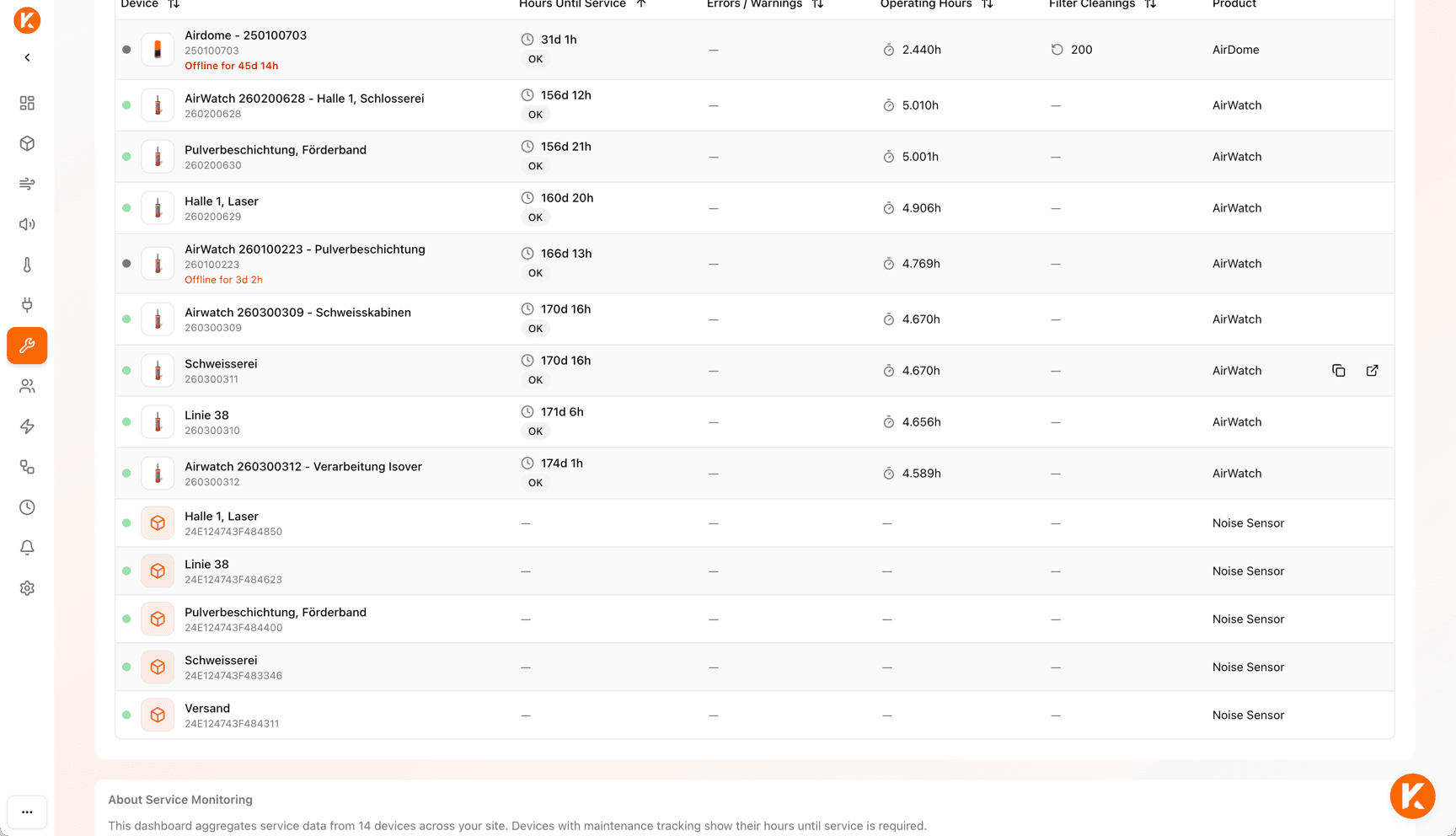
Every unit shows the remaining operating hours until service, the filter condition, and decoded error and warning codes with a recommended action. The service page summarizes this for the whole site.
Service and MaintenanceConnect existing units
With the KEMPER Connect Bridge, existing KEMPER machines without their own cloud connection are retrofitted. The platform detects the connected machine automatically. PLC-controlled filter units such as WeldFil or KemJet are connected through the KEMPER Connect IoT Kit.
KEMPER Connect BridgeMonitoring
Is everything in my plant in order right now?
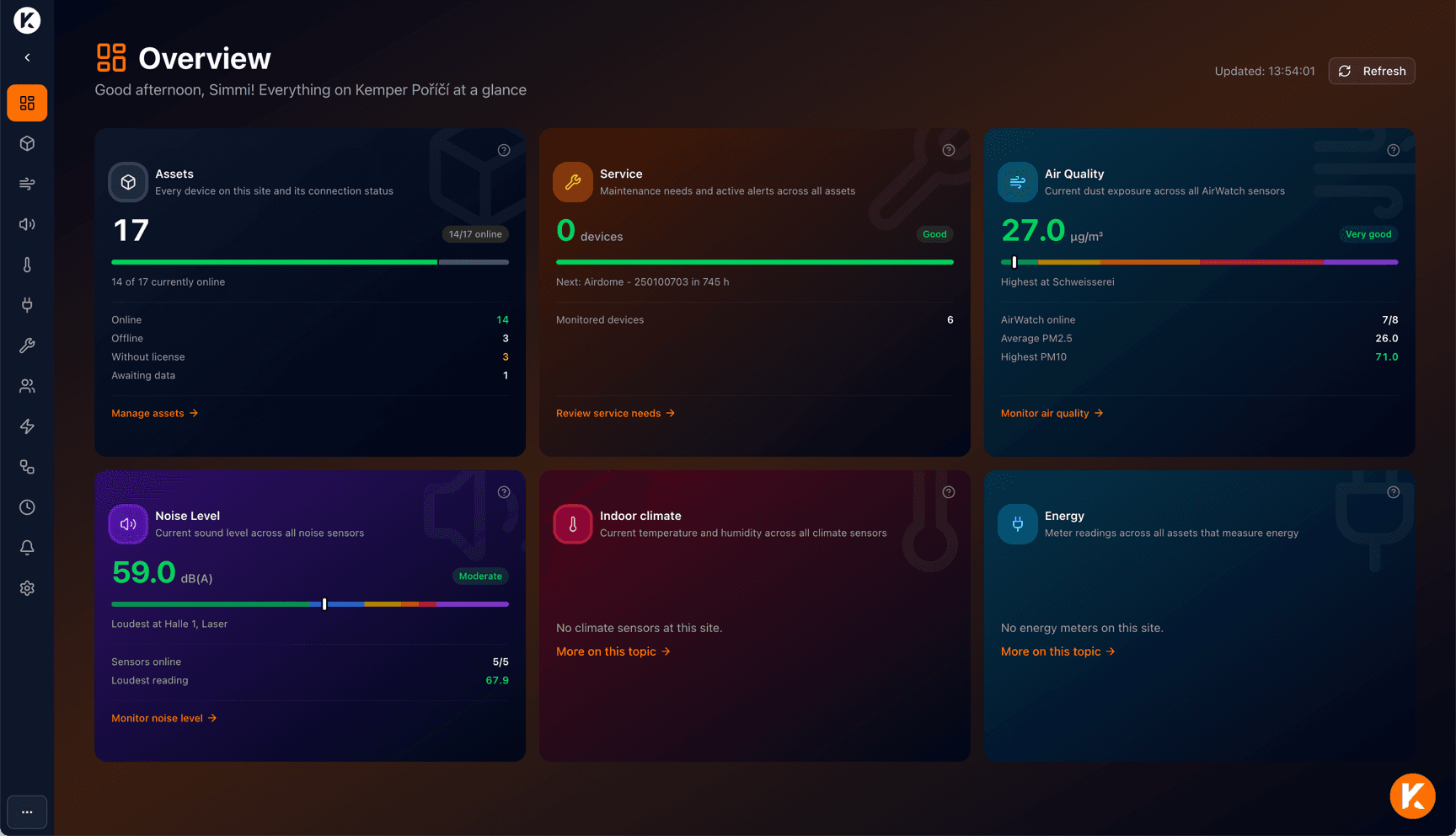
The site overview answers this question on one page: six tiles for devices, service, air quality, noise level, indoor climate, and energy, each with the current figure, status, and a direct link to the detail page.
The asset list groups all machines and sensors by type and shows connection status, operating state, current figure, and the next service date. Every unit has its own dashboard with live state, 24-hour history, errors, and maintenance notices; it refreshes automatically every five minutes.
Air Quality
Particulate matter as a five-level traffic light, ranking of the polluted areas, history with working hours filter.
Noise
Noise exposure by area and shift, rated against the action values of 80 and 85 dB(A).
Indoor Climate
Temperature and humidity according to ASR A3.5, mold risk estimate.
Energy
Daily consumption, share per device, and history; compare consumers.
Reports and exports
Documentation that is understandable even without platform access
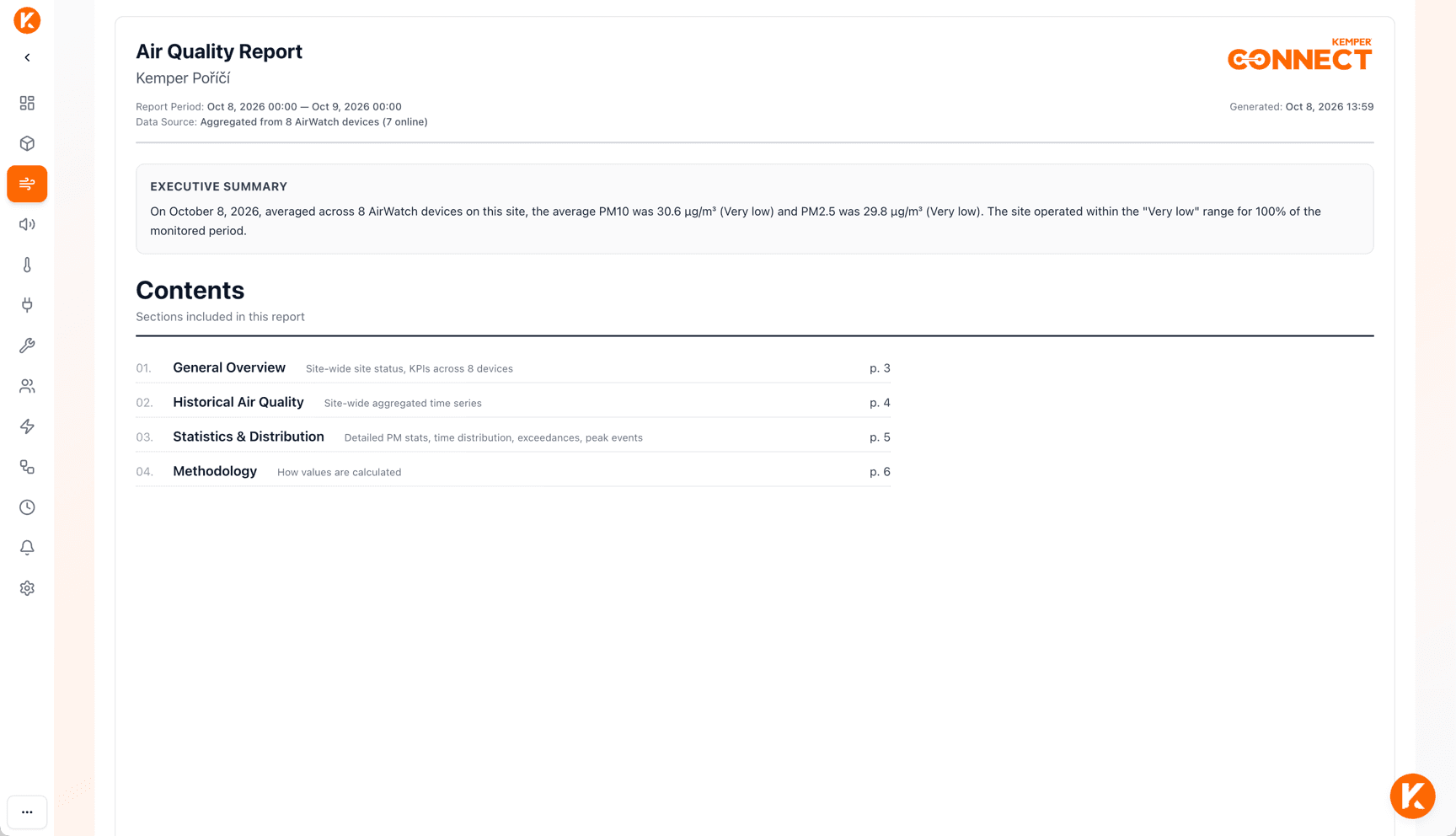
Print-ready PDF reports for air quality and noise: cover page with customer, project, and executive summary, full-page history chart with pollution zones, statistics, exceedance analysis, peak events, and optionally one page per sensor.
Every report includes a methodology page, so auditors, the works council, and management can follow it. The service report for the service partner comes as CSV, and measurement data can be exported as CSV or Excel.
Automation
Extraction that runs only as hard as necessary
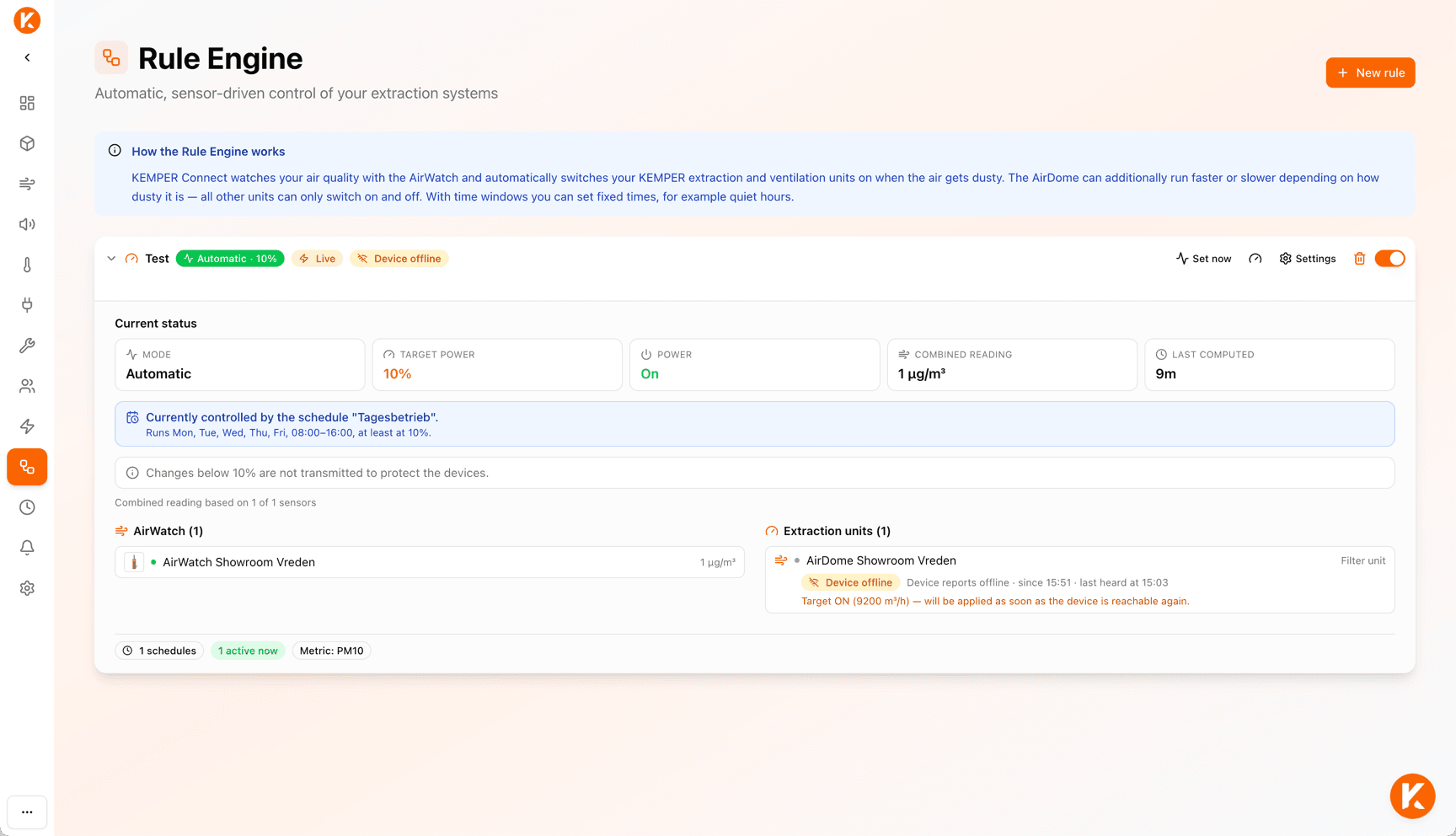
The Rule Engine turns AirWatch sensors and filter units into a team: the sensors watch the air, the units work exactly as much as currently needed. When welding starts and particulate matter rises, the units ramp up. When the air is clean again, they ramp down.
Time windows control minimum operation, quiet hours, and fixed values. If all sensors fail, the units run at full power, never off.
- Schedules switch units on or off at fixed times on selected weekdays.
- Email notifications inform the shift supervisor, occupational safety, or maintenance when an AirWatch exceeds the threshold.
Service and Maintenance
Plan maintenance instead of reacting
Every unit counts its operating hours until the next service and shows the progress as a bar in traffic light colors. The service page sorts all units of the site by urgency and shows active error and warning codes.
For units with native connection or KEMPER Connect Bridge, the error and warning registers are translated into plain language, with cause, impact, and a recommended action. Many warnings are precursors of an error, so you can react early. The service report goes directly to the KEMPER service partner as a pre-written email.
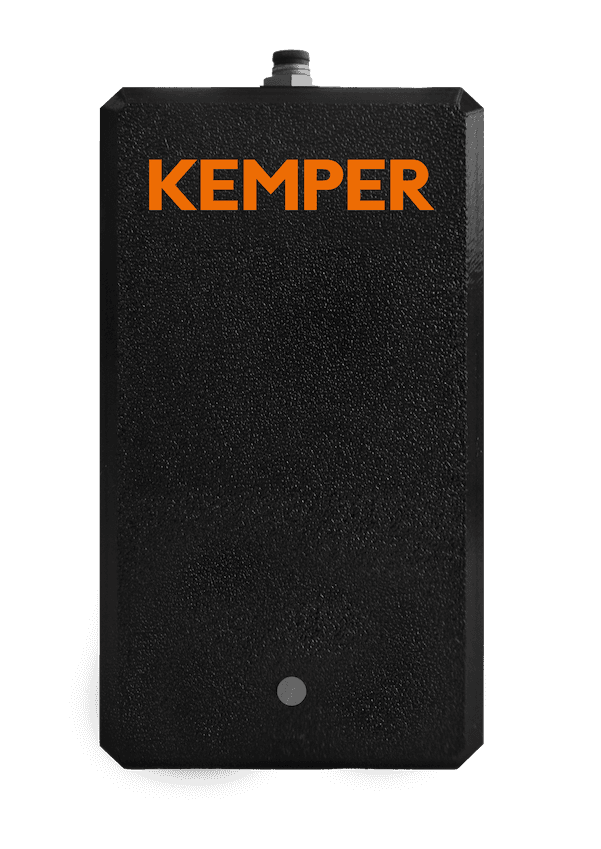
KEMPER Connect Bridge
Existing units? Connect them, done.
The KEMPER Connect Bridge is a small gateway that is attached to an existing KEMPER machine. It is powered through the machine cable and transmits the operating data via cellular, without Wi-Fi and without network cabling.
As soon as the Bridge has detected the machine, it appears in KEMPER Connect as exactly that machine: with name, product image, dashboard, history, remote start, and remote stop. Nobody has to select the type by hand.
- VacuFil Compact, MaxiFil Clean, Automation Line, AirDome, and CleanAirTower (self-cleaning)
- Registration with serial number, no PIN code required
- 1Connect
Attach the Bridge to the machine and switch the machine on.
- 2Green LED
Pulsing green means: connected, via cellular.
- 3Serial number
“Add device”, type KEMPER Connect Bridge. No PIN.
Devices
Made for these KEMPER devices
Connected natively, retrofitted through the KEMPER Connect Bridge, attached to the unit controller through the KEMPER Connect IoT Kit, or as a monitoring kit with its own gateway. For every device, KEMPER Connect shows the matching dashboard.
 AirWatchnative
 AirDomenative or Bridge
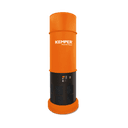 CleanAirTowernative or Bridge
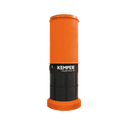 CleanAirTower SF 9000native
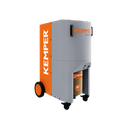 VacuFil 125native
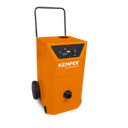 VacuFil CompactBridge
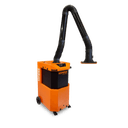 MaxiFil CleanBridge
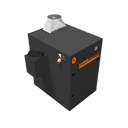 Automation LineBridge
- PLC-controlled filter unitsIoT Kit
- KEMPER Connect Climate SensorGateway (LoRaWAN)
- KEMPER Connect Noise SensorGateway (LoRaWAN)
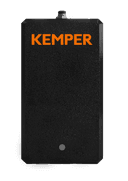 KEMPER Connect BridgeGateway
Who it is for
One platform, six perspectives
Typical questions from the shop floor and where KEMPER Connect answers them.
Production management
“Is everything running? Where is the air bad?”
Site overview, air quality page with ranking of the polluted areas.
Learn moreOccupational safety / safety officer
“Can I document the exposure?”
PDF reports for air quality and noise, exceedance analysis, working hours filter.
Learn moreMaintenance
“Which unit needs service next?”
Service page with hours until maintenance, error codes, CSV report for the service partner.
Learn moreEnergy management
“What do the units consume, where is optimization worthwhile?”
Energy page with daily consumption, shares per device, and history; Rule Engine and schedules as levers.
Learn moreFacility / building
“Is mold a risk, is it too warm?”
Indoor climate with ASR A3.5 rating and mold risk estimate.
Learn moreSales / dealers
“How do I show this live at the customer’s?”
Bridge as a demo device, QR code sign-in on tablets.
Learn morePlatform
Made for everyday life in the plant
Several sites, one account
Plants, halls, and branches as separate sites with their own data, teams, and automations.
Mobile and tablet
All pages are designed for smartphone and tablet. For tablets on the shop floor there is sign-in by QR code.
German and English
The language is stored in the account and follows the user on every device. Light and dark mode.
Support chat
Available on every page. “Contact support” is possible directly from error messages.
Documentation in the app
The customer documentation opens as a window inside the application, from the overview tiles with matching starting questions.
Interfaces
Documented GraphQL interface for SCADA, MES, or Power BI; MQTT live data stream and webhooks as an add-on package.
See KEMPER Connect on your own units.
We show you the platform in a demonstration, gladly with a KEMPER Connect Bridge on one of your machines.