

Devices · AirDome
Continuously controlled, service reported
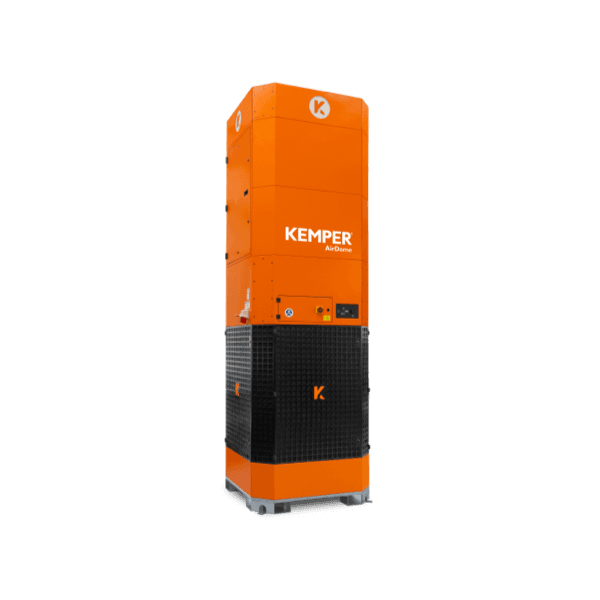
The AirDome is a stationary filter tower for large halls that circulates the hall air, filters welding fumes, and cleans its filter automatically. In KEMPER Connect it is controlled according to demand and reports its own service needs.
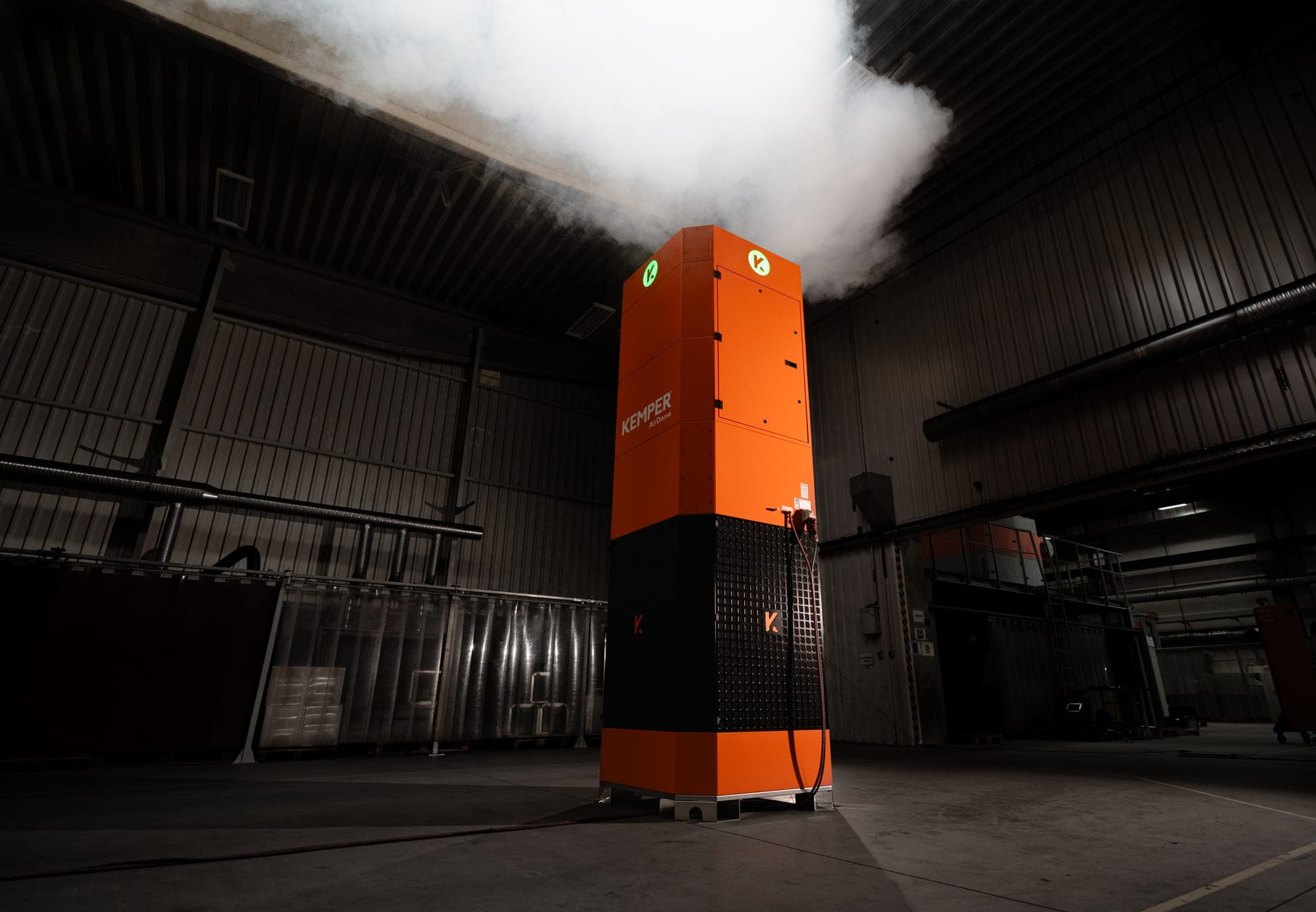
AirDome
Connection: native or BridgeSelf-cleaning air filter tower for large halls. Connects natively or via the KEMPER Connect Bridge; both paths deliver the same dashboard.
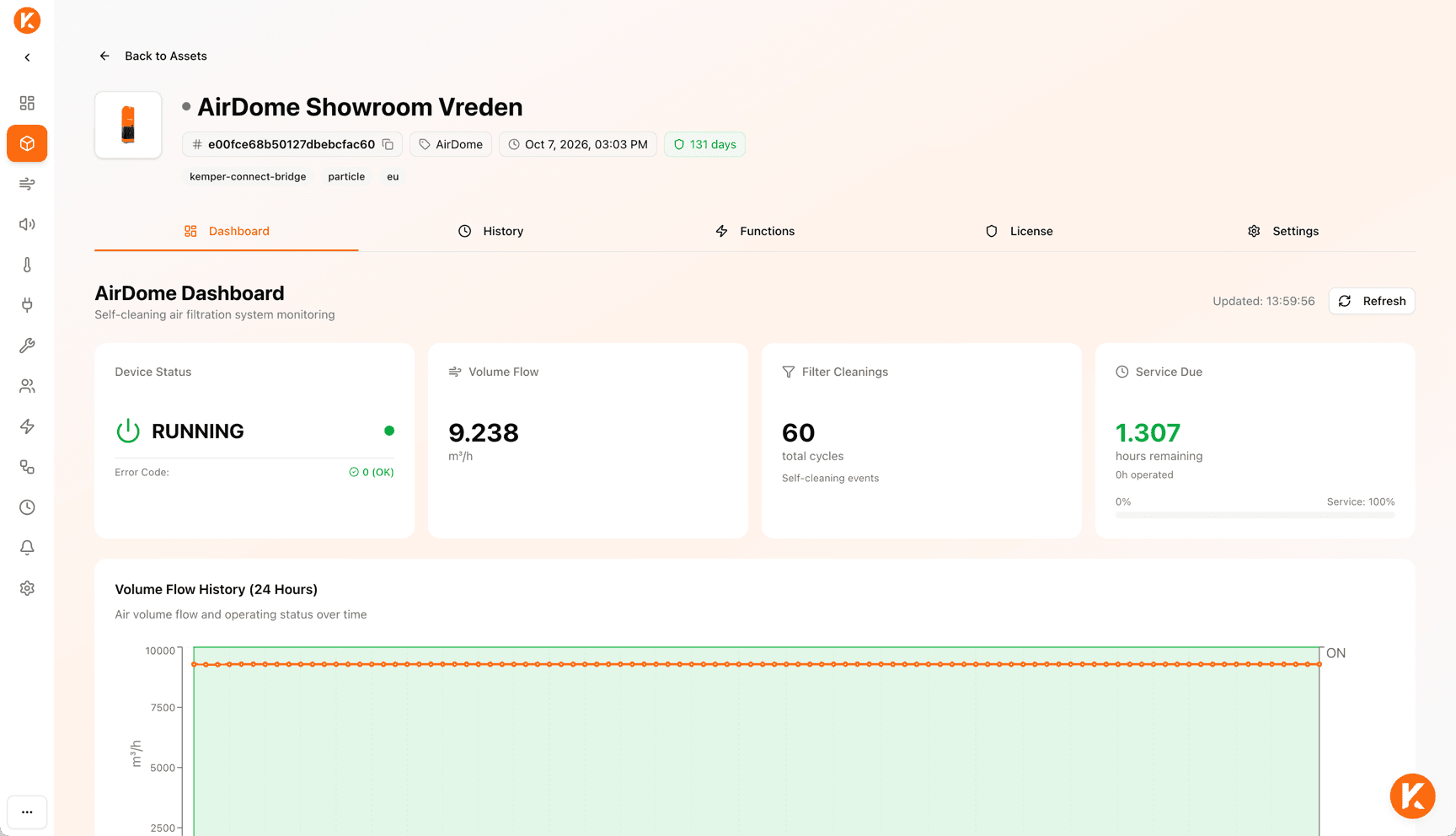
What you see
- Device status RUNNING / STOPPED with direct start and stop buttons on the card.
- Current volume flow in m³/h, with a note when the unit is switched off.
- Number of filter cleanings as a lifetime counter.
- Service due: remaining operating hours until service, operating hours so far, progress bar in traffic light colors; from 90 % the notice “Service recommended soon”.
- 24-hour history: volume flow above the on/off status, every automatic filter cleaning marked as an event.
- At the top of the page: red error message with the error code in plain language, cause, impact, and recommended action as well as “Contact support”; yellow warning messages; “Service required soon” from seven days remaining or “Service overdue”.
What you evaluate
- Day, week, or month with paging.
- Chart of volume flow and motor status with cleaning markers and weekend shading.
- Statistics: average, minimum, and maximum volume flow, number of cleanings in the period.
What you can do
- Start and stop, each with a safety prompt and feedback on success.
- Settings: error status (error-free or list of active codes), operating information (total operating hours, hours until service, service progress), device information (model, filter type, software version).
Service and errors
- Service countdown in operating hours with advance warning from seven days remaining; on the service page from 14 days.
- Error and warning codes in plain language with cause, impact, and recommended action; many warnings are precursors of an error, such as the motor temperature warning.
- Appears on the service page and in the service report to the service partner.
In automation
- Target of the Rule Engine, schedules, and basic automation.
- Special feature: the AirDome is currently the only unit whose power the Rule Engine adjusts continuously, as a volume flow setpoint in percent. All other units are switched on and off; for new CleanAirTower, continuous control via the volume flow is in preparation.
The value
Large-scale hall air cleaning that can be controlled according to demand and reports its own service needs.
Features at a glance
- Connection
- native or Bridge
- History
- day, week, month
- Remote start / remote stop
- yes
- Service countdown
- yes
- Error and warning codes in plain language
- yes
- Rule Engine
- Unit, continuous
- Schedules
- yes
- Basic automation
- Target
- Site page
- Service, Energy¹
¹ Energy page
The energy page includes every unit that reports an energy meter reading; whether a unit does so depends on the machine equipment and connection.