

Devices · CleanAirTower
Two variants, one dashboard principle
The CleanAirTower (self-cleaning) cleans its filter with compressed air; the CleanAirTower SF 9000 works with replaceable filters and needs no compressed air. KEMPER Connect shows status, volume flow, and service for both and reports the typical operating issue before it becomes an error.
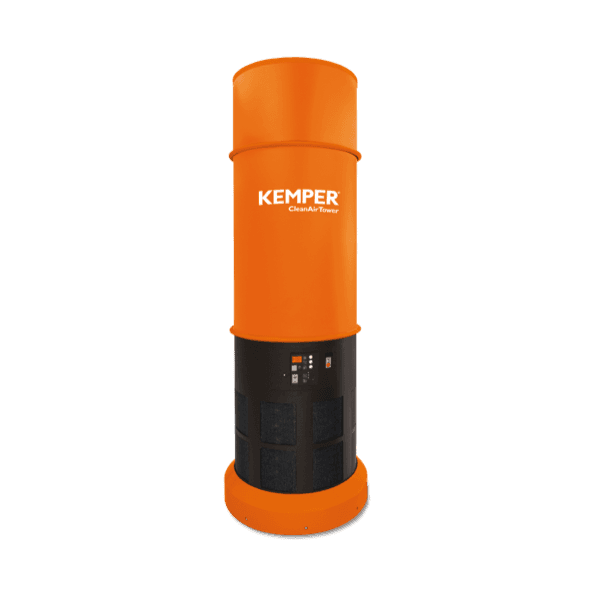
CleanAirTower (self-cleaning)
Connection: native or BridgeFilter tower with automatic compressed-air cleaning; the dust removed from the filter is collected in a container. Connected natively or via the KEMPER Connect Bridge.
What you see
- Status ON / OFF (“In operation” / “Standby”) with start and stop buttons.
- Volume flow and cleaning counter.
- Service due based on a 1,600-hour interval.
- 24-hour history with cleaning events.
- Error and warning messages in plain language; info box on how self-cleaning works.
What you evaluate
- Day, week, month; volume flow and operating status; statistics and cleanings in the period.
What you can do
- Start, stop, and “Request data update” (immediate transmission of the readings).
Service and errors
- Missing compressed air is first reported as a warning before it becomes an error, with a recommended action including the pressure (“Connect compressed air at approx. 5–6 bar”).
- Frequency converter and controller errors in plain language.
In automation
- Target of the Rule Engine (on/off), of schedules, and of basic automation.
In preparation: New CleanAirTower units will be controlled continuously via volume flow, like the AirDome.
The value
Self-cleaning filtration with remote access and an early notice of the most common operating issue, missing compressed air.
Features at a glance
- Connection
- native or Bridge
- History
- day, week, month
- Remote start / stop
- yes
- Other functions
- request data
- Service countdown
- yes
- Error/warning codes in plain language
- yes
- Rule Engine
- unit, on/off
- Schedules
- yes
- Site page
- Service, Energy
CleanAirTower SF 9000
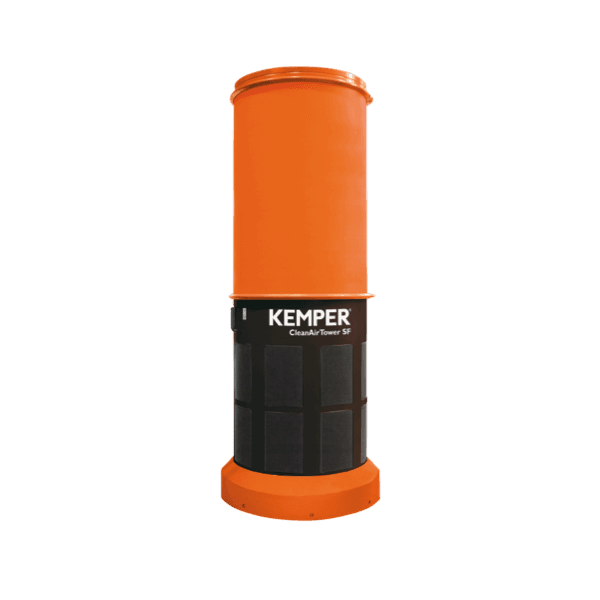
Connection: nativeFilter tower with replaceable filters, no compressed air required. Connected natively, not via the Bridge.
What you see
- Motor status RUNNING / STOPPED with boost indicator when boost mode is active.
- Volume flow and service due.
- 24-hour history of volume flow and operating status.
- Error and warning messages in plain language.
What you evaluate
- Day, week, month; volume flow statistics.
What you can do
- Start and stop.
Service and errors
- The error messages “Airflow control error” and “Airflow too low” name a clogged disposable filter as the typical cause and recommend replacing the filter.
- Maintenance and motor temperature warnings.
In automation
- Target of schedules and basic automation (on/off).
The value
Low-maintenance filtration where the need for a filter replacement is detected from operating behavior and reported.
Features at a glance
- Connection
- native
- History
- day, week, month
- Remote start / stop
- yes
- Service countdown
- yes
- Error/warning codes in plain language
- yes
- Schedules
- yes
- Basic automation
- target
- Site page
- Service, Energy